Upon the first log in you will be prompted to complete the training and qualification process. It consists of 4 steps.
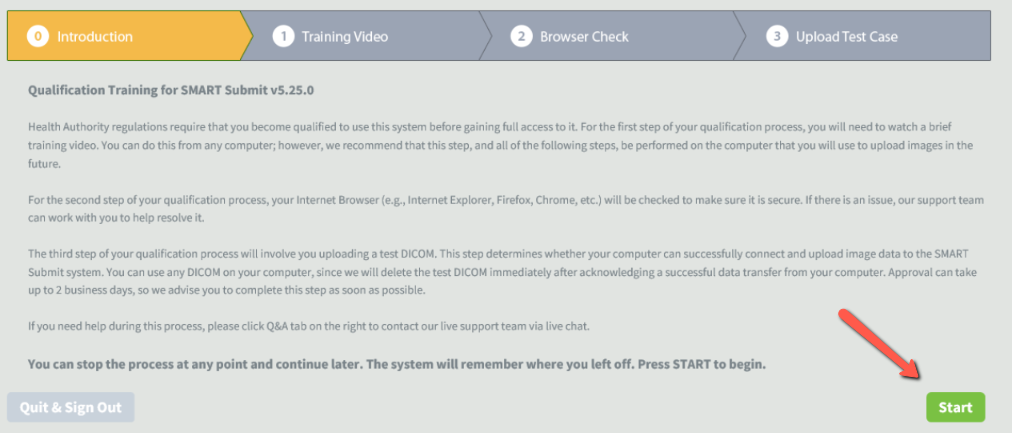
First step is an introduction page, click Start to proceed and the training video will start.
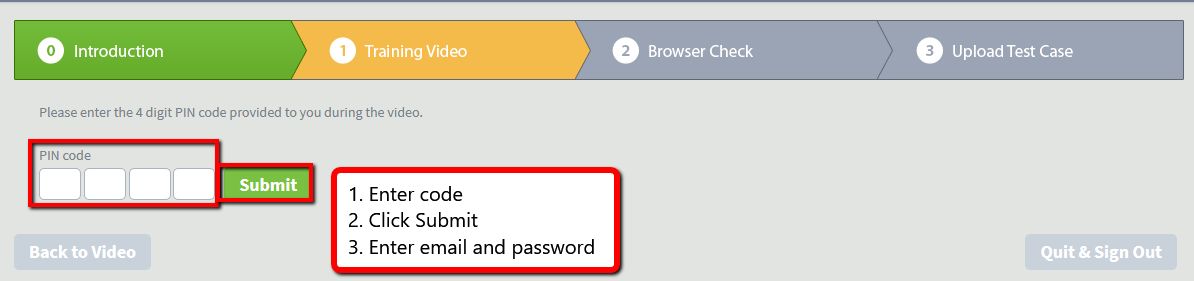
The second step is the training video, which consists of a brief upload guide and has a few segments. After each segment, a digit of a pin code will be provided, write the digit down for a later step. When you start the video, the Next button will appear in the bottom right corner of the page. Clicking next will take you to the pin code entry page. Enter the code, click Submit and enter your user name / password as credentials.
The third step is a brief browser check. The system will automatically detect if your browser and connection are suitable to upload through SMART Submit. Any up to date browser on a current operating system will work with SMART Submit. If everything checks out, you will receive this message. Click here for minimum requirements.

Step four consists of a qualification upload. To pass it you will need to compress any number of DICOM images into a .zip format folder. If you do not have access to DICOM images you can download a test case via this link. Note that this upload is only for your SMART Submit account activation, it does not have any ties with test or qualification uploads you might need to complete for your study. Passing the fourth step will simply enable the upload function for your account.

0 Comments